Your own page, where clients book right away.
Your services, prices, photos and opening hours on one page, with a button to book straight away. It comes with every plan. Already have a website? Just add your booking link to it.
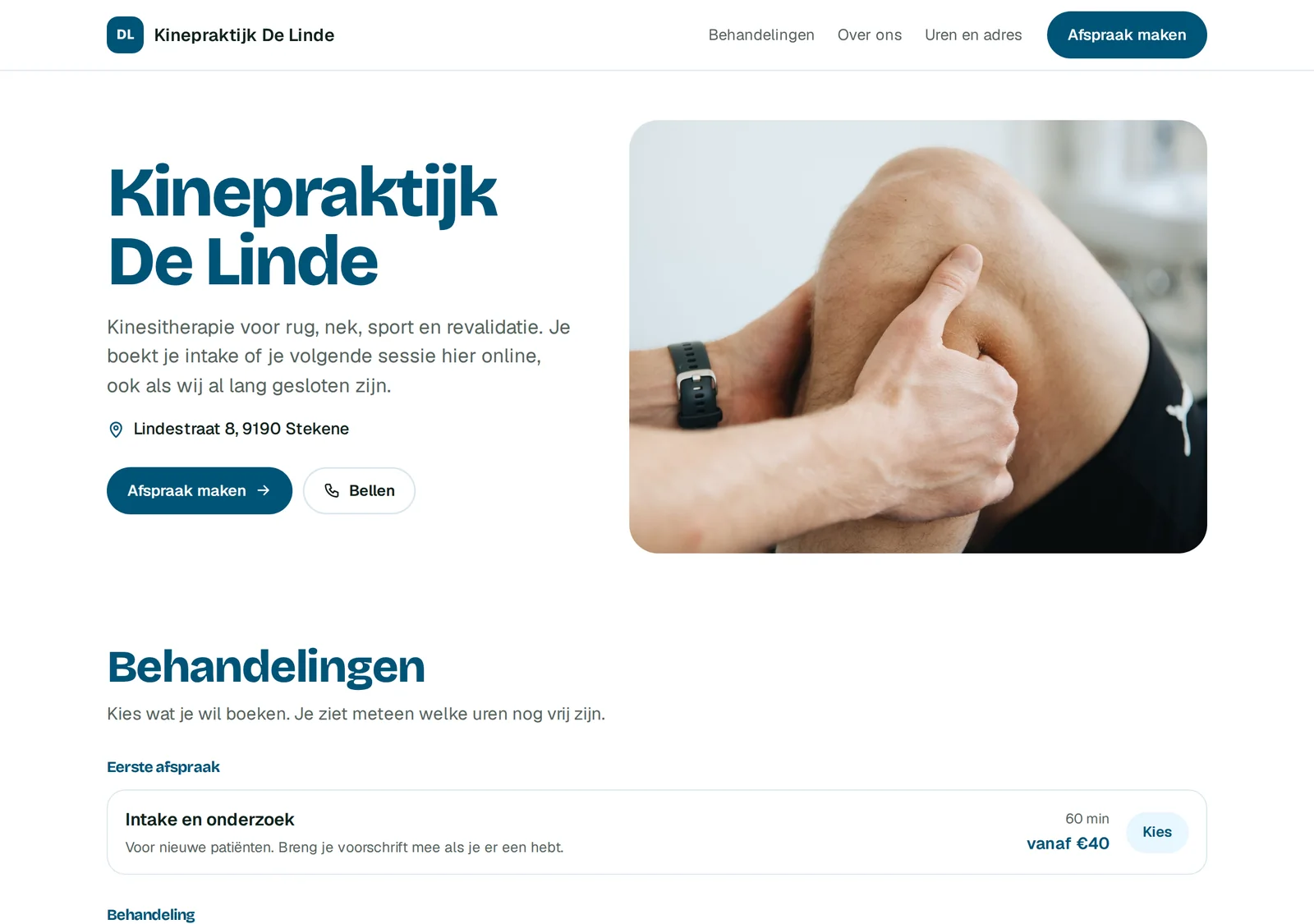
What's on your page.
Everything a client wants to know before booking, on one page that loads fast on any phone.
The first impression of your business, the way you want it.
Straight from your calendar. Change a price and it is updated right away.
Opens your booking form: choose, pick a time, pay the deposit.
Taken from your settings, so always correct, even during your holidays.
You choose what is shown.
Your space, your work, your team.
So nobody is surprised afterwards.
A link to your own channels.
What you set up yourself.
You do it in Bookable, under Your page. No code, no designer needed.
- Your intro and your photos
- Which contact details are shown
- Your colours follow your trade
- Mini website on or off: your booking link keeps working
How to share it.
One link, the same everywhere.
Add the link under Website or Appointments. Whoever looks you up books right away.
Your followers book without sending a message.
On your counter, your business card or your door.
If you do have a site, put the button or the form there.
Click through an example.
Every plan includes both: a booking link and button for your own website, and a mini website for anyone who doesn't have one yet. Use what you need and simply ignore the rest.
Add your booking button or link to it. It works on WordPress, Wix, Squarespace and Shopify.
Add the link to your siteUse your mini website, it is ready to go. Here are three examples to click through.
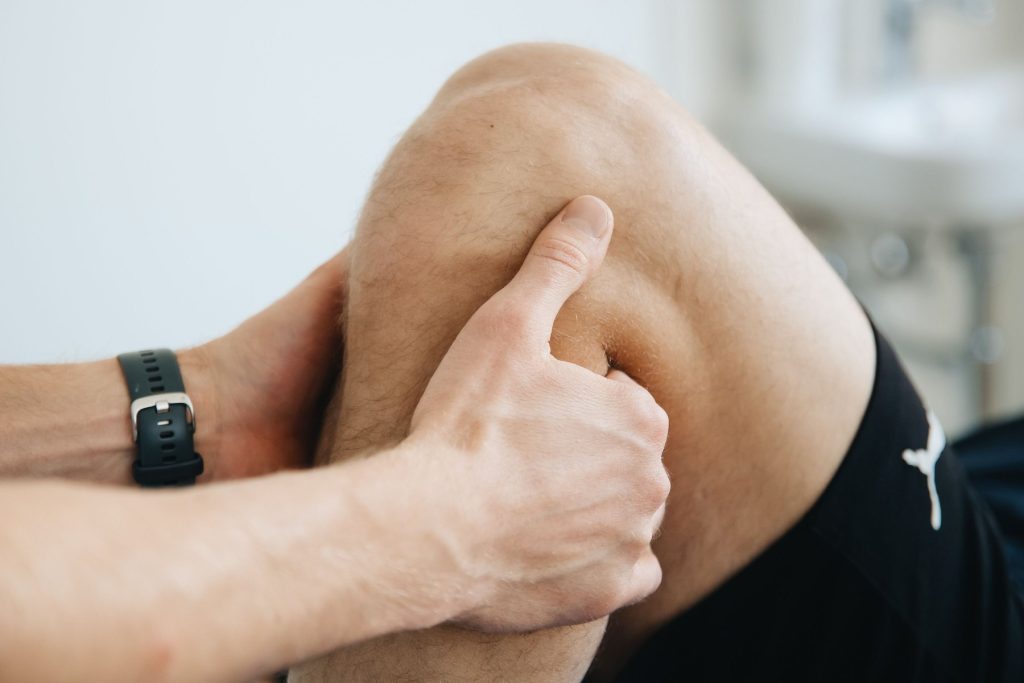
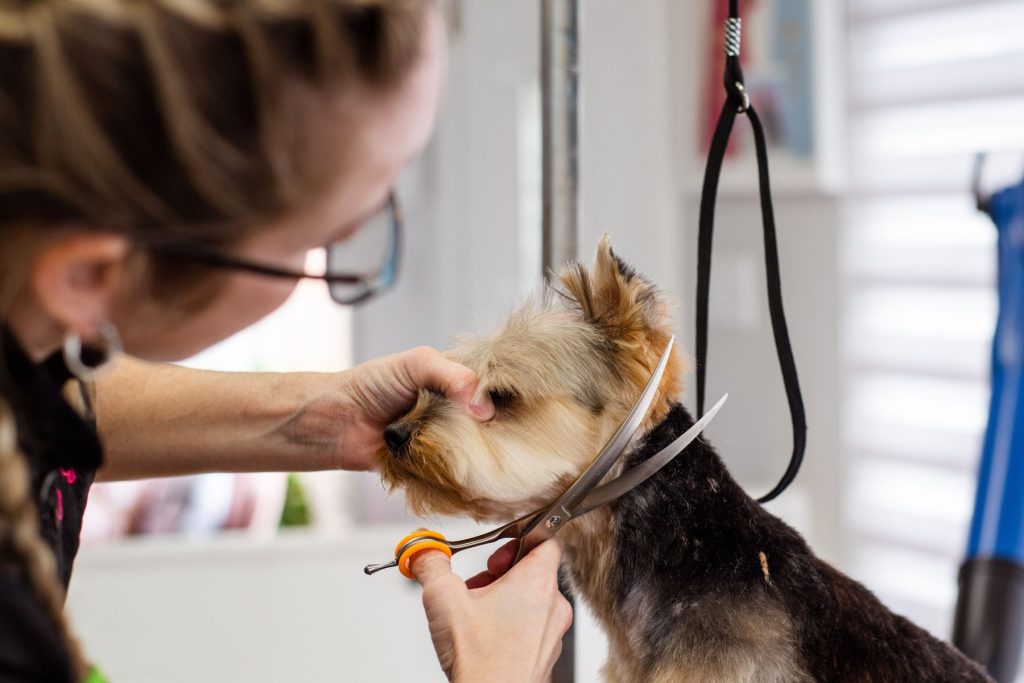
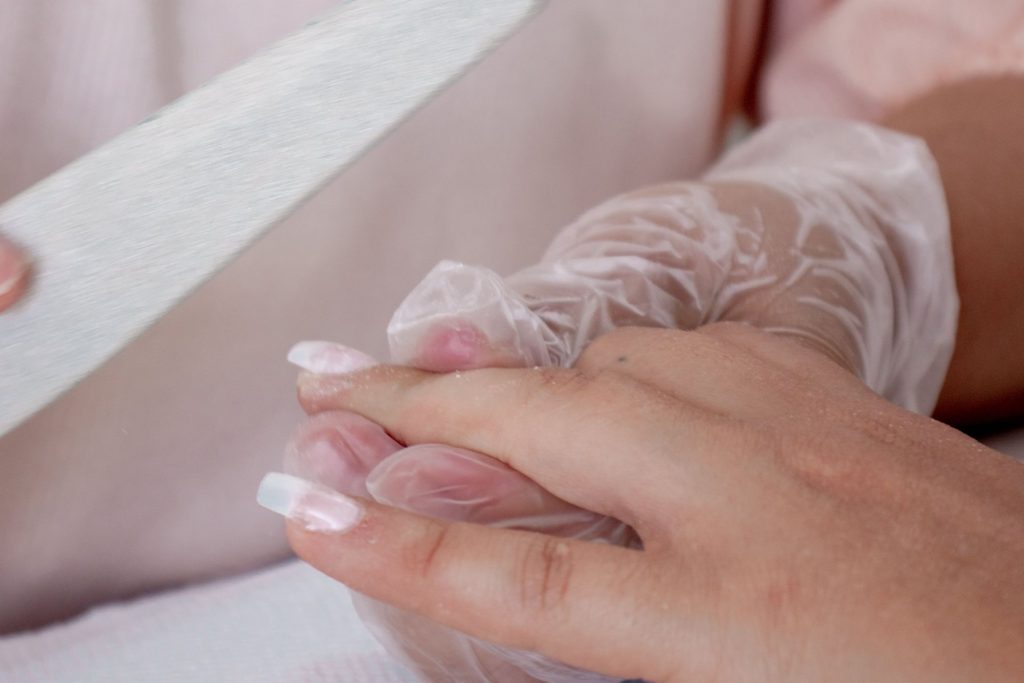
Your own domain.
Connecting your own domain, like yourbusiness.be, is coming. Until then your page lives on a fixed Bookable link you can share right away. Want a full website on your own domain now? We build it for you.
Custom websiteQuestions about the mini website.
Does the mini website cost extra?
No. It comes with every plan, Start included.
Will my mini website show up on Google?
Yes, once it is complete: with photos, your services and your address. A half finished page is deliberately kept out of Google, because it would hurt more than help.
Can I use only the booking form?
Yes. Turn off your mini website and use the booking link, the button or the form on your own site.
Do I need technical skills?
No. You fill in your details like a form. And if you get stuck, we help you.