Clients book themselves, even while you work.
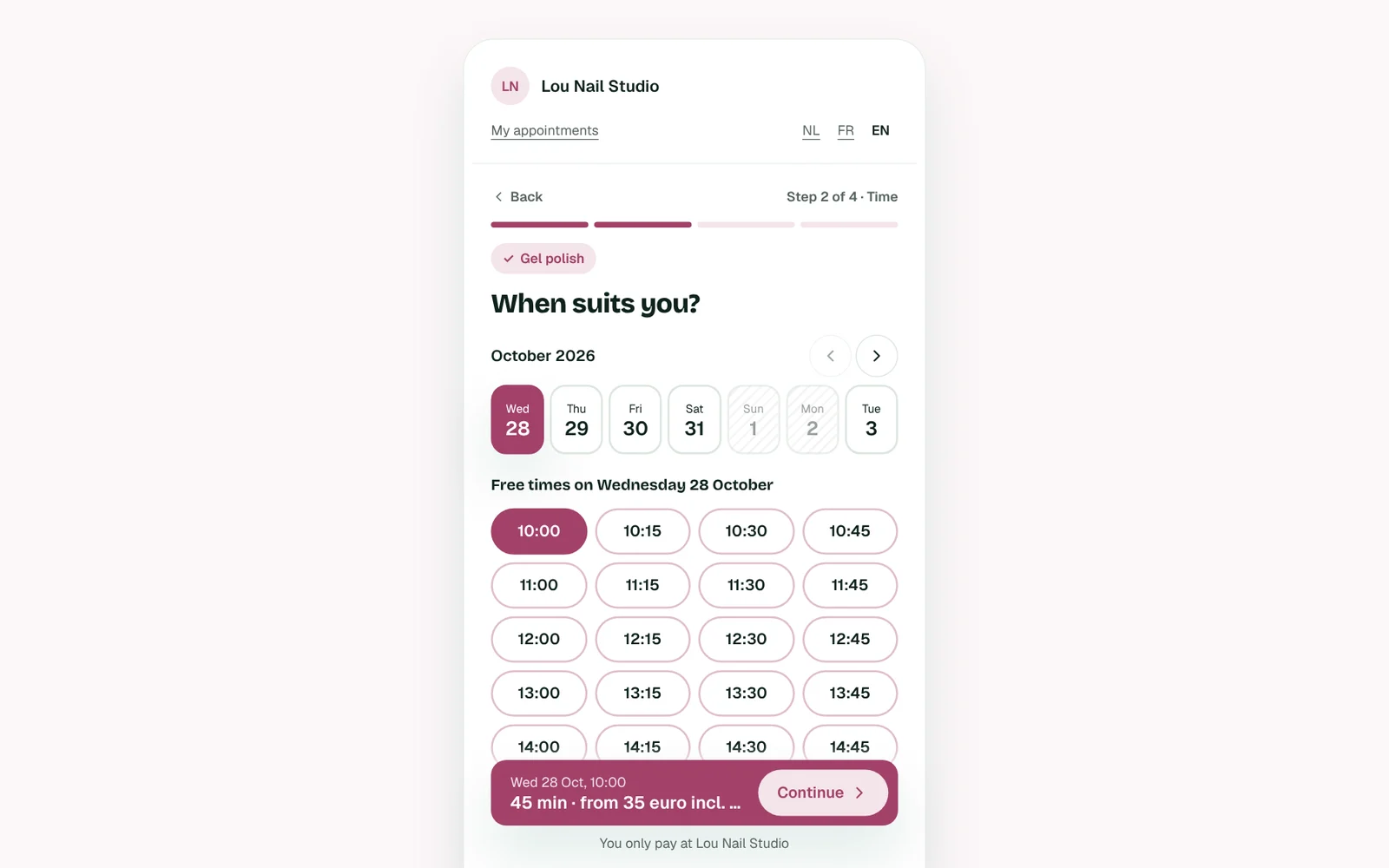
No more messages back and forth. Your client picks a service, a free slot and fills in her details. In four short steps, on any phone.
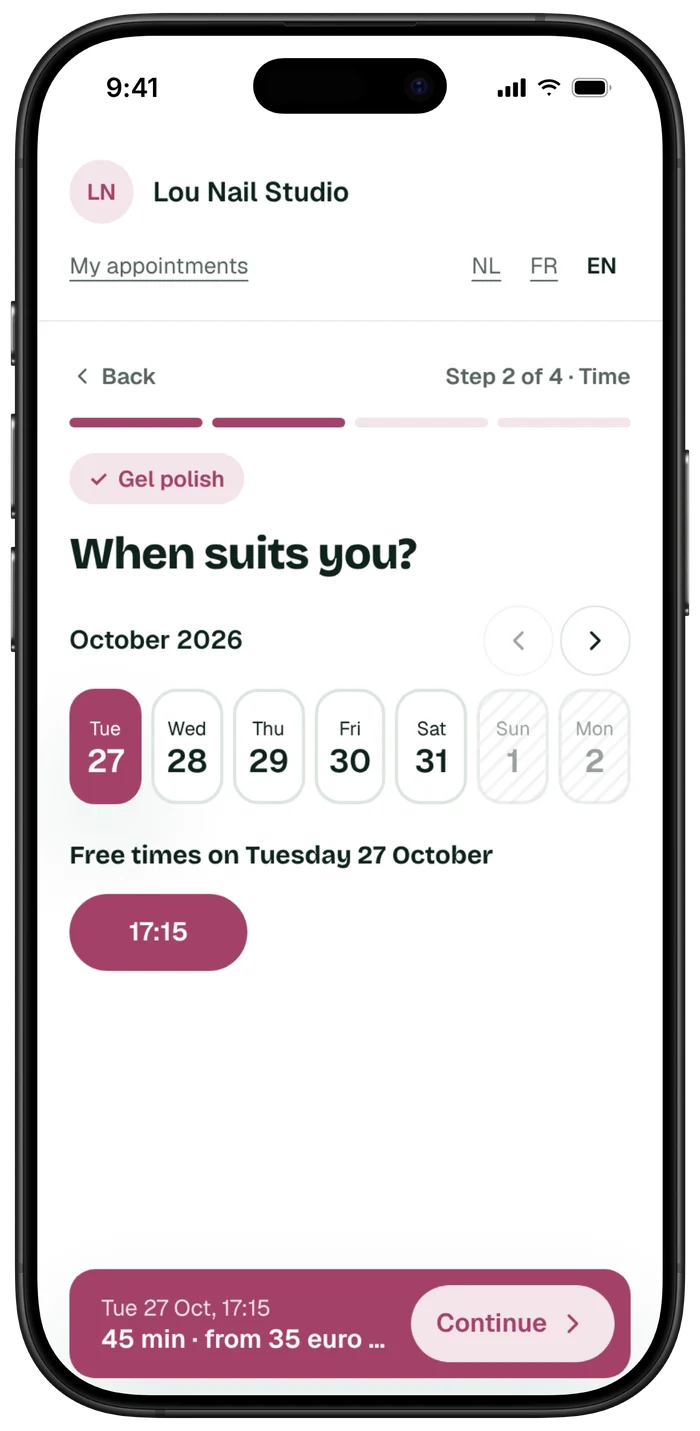
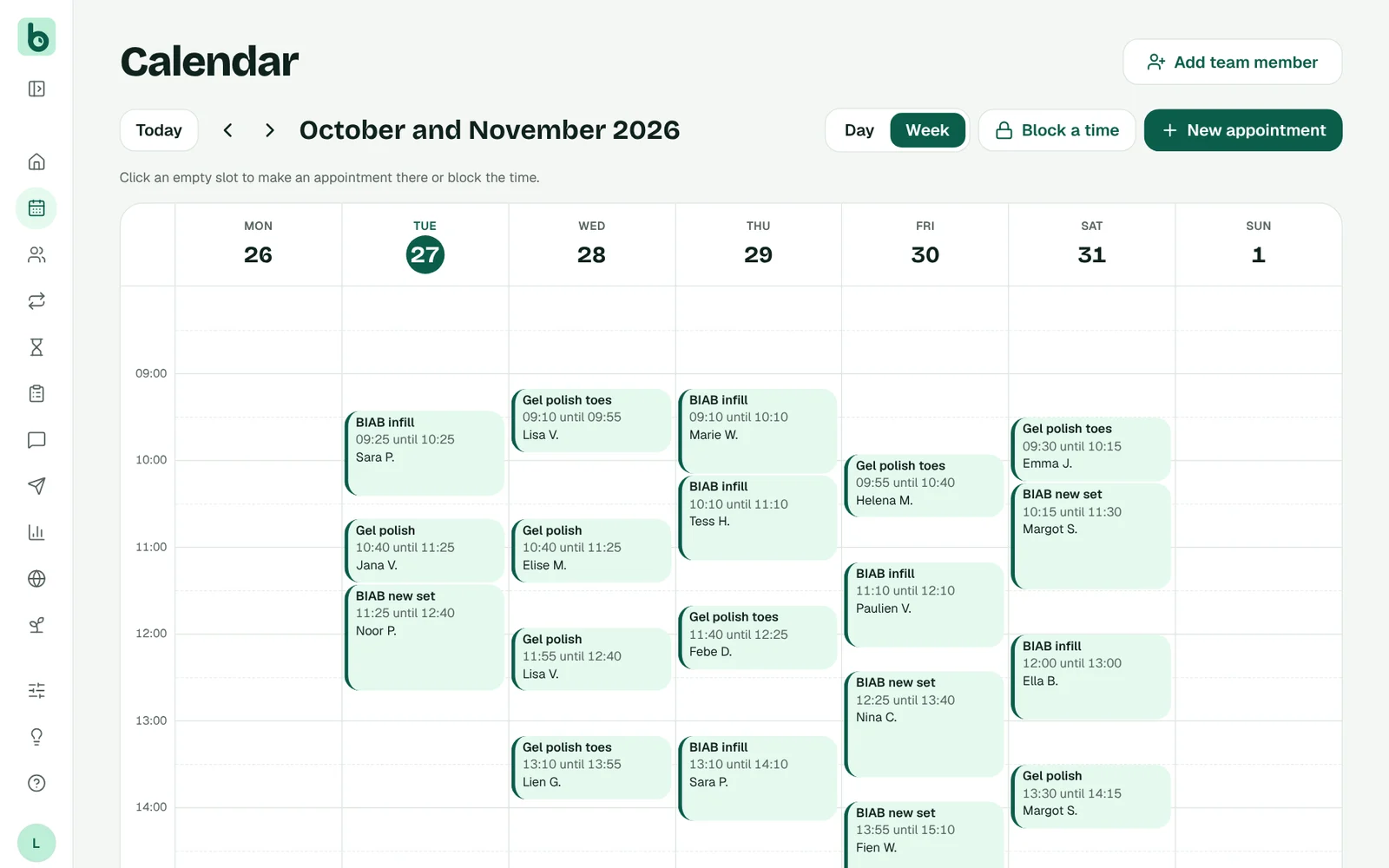
Every booking lands straight in your calendar.
Your client gets a confirmation, you see the appointment in your calendar. To move or cancel, she does it herself through the link in her email, up to 48 hours before or the window you choose.
Try it yourself.
This is what your clients see. Click anything you like: Lou Nail Studio is an example salon, nothing gets booked.
The mini-site
Your own page with your services, prices, photos and hours, and a button to book right away. With Plus on your own domain name.
Open Lou's mini-site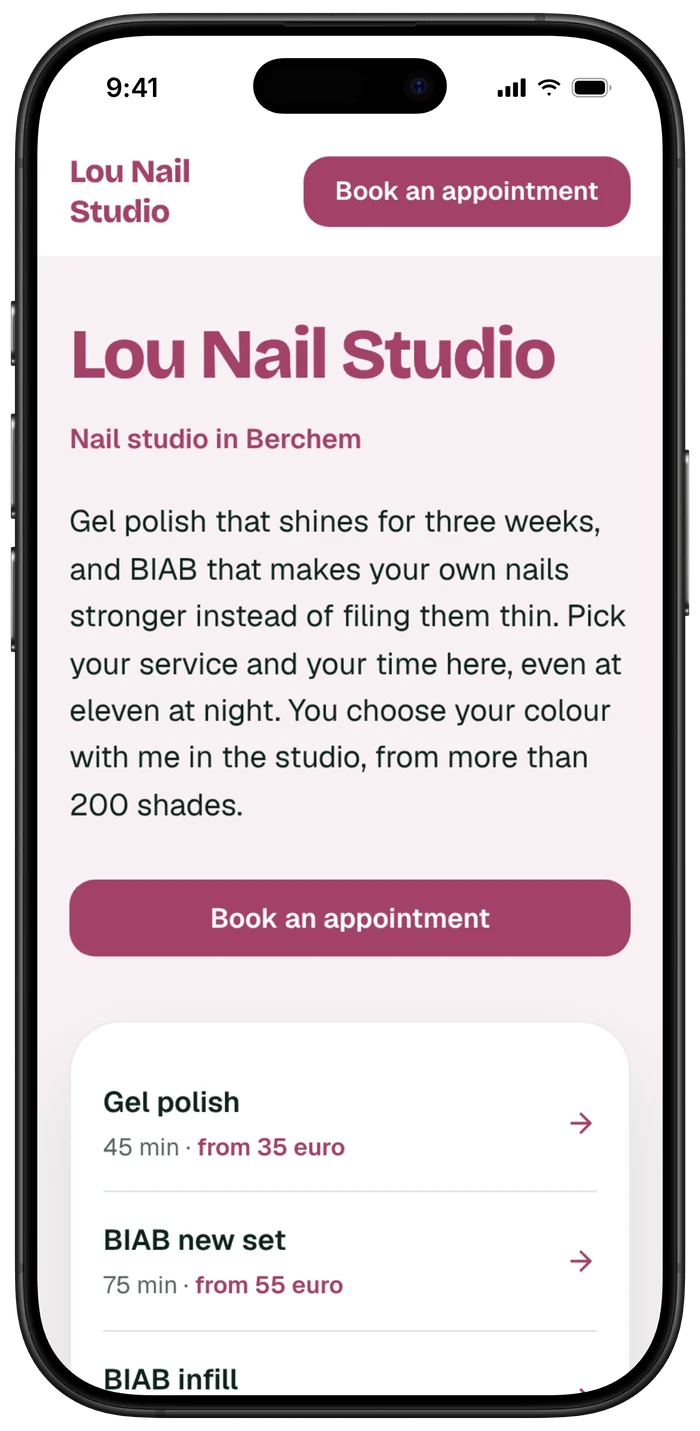
The booking tool
Here your client picks a service, a day and a time. You put it on your mini-site, your own website, Instagram or Google. Try it here, it's the real one.
Also as a floating button.
See the Book an appointment button at the bottom right? That's how the booking tool sits on your own website: one line of code, and clients book without leaving your site.
Frequently asked questions
Can I put the booking button on my own website?
Yes. Choose a link, a button or the form inside your page, for WordPress, Wix, Squarespace and Shopify. The help centre explains how.
Does my client pay extra per booking?
No. Bookable charges no commission, not to you and not to your client.
In which languages can a client book?
In Dutch, French and English. Your client chooses.
Also useful
Your own booking website. With Plus on your own domain, like yoursalon.be.
More about Mini-site MessagesConfirmation and reminder go out on their own, by email and in Plus also via WhatsApp. Fewer forgotten appointments.
More about Messages DepositsYour client pays a deposit with Bancontact when booking. The money goes to your own account, with no commission.
More about DepositsTry Bookable free for 14 days.
No card needed, no commission. Your services are ready for your trade.